
Bible app for seniors: large text and audio
Make a Bible app for seniors easy to read: bigger text on iPhone and Android, audio, dark mode, gentle games, and ways to help from far away.
 The Terra Sinai team 12 min read
In this article (12)
A Bible app for seniors works when the text is large, the buttons are easy to hit, and the audio is one tap away. Start with the phone’s own setting: on iPhone, go to Settings > Accessibility > Display & Text Size > Larger Text, and on Android, open Settings and search for “Font size.” Then fine-tune with the text size buttons inside the Bible app. Add audio and a dark theme, and you’re done in about ten minutes.
Maybe your mom lives three states away and keeps squinting at her phone during your Sunday FaceTime call. Maybe your dad’s large print Bible is getting heavy to hold, or he just got a new phone and can’t find the setting. This guide walks you through it, whether you’re doing it for a parent or for yourself. The iPhone and Android steps come straight from Apple and Google support pages, linked at the end.
Bigger Bible text on iPhone
Go to Settings > Accessibility > Display & Text Size > Larger Text and drag the slider until the text is easy to read. Need it bigger still? Turn on Larger Accessibility Sizes on that same screen. While you’re there, try Bold Text. It thickens the letters, which helps if thin type looks faint.
For a quicker fix, Settings > Display & Brightness > Text Size changes just the basic size. And if the text looks too small while you’re already in an app, open Control Center and drag the Text Size control. Don’t see it? Tap the plus sign in the top-left corner, choose Add a Control, and pick Text Size (Apple, iPhone User Guide).
- Dynamic Type is the catch: Mail, Contacts, Calendar, Phone, Notes and other apps that support it follow the setting (Apple, font size), and a third-party app may not.
- If the buttons get so big they’re hard to hit, Apple’s advice is to go back to Settings and dial it down.
- Display Zoom scales up icons and buttons too, handy if Dad keeps tapping the wrong spot.
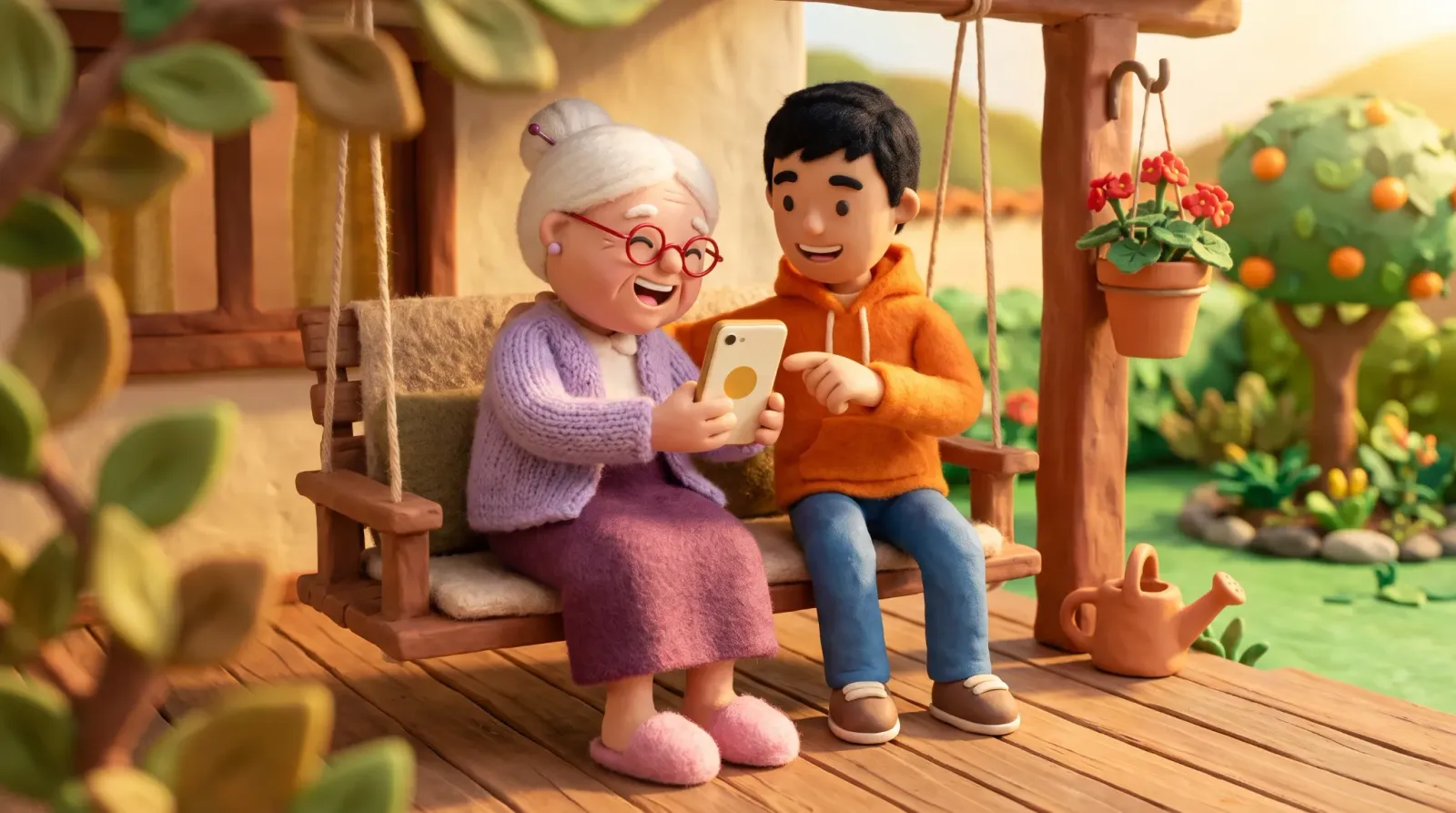 Ethan shows Grandma where the slider is, then hands the phone back so she can do it.
Bigger Bible text on Android
On Android, open Settings, search for “Font size,” and move the slider to the right. For bigger buttons and icons, search for “Display size” and do the same. Google shows a preview after each change, and a Reset settings button puts everything back if you don’t like the result (Google, Android Accessibility Help).
Phone makers like Samsung tend to rename and move these menus, so type “font” into the Settings search and you’ll land on the right screen. Google also notes that some steps work only on Android 13 and up, and that the font size setting doesn’t apply to some apps, the same caveat Apple gives for iPhone.
Buying Mom a new Android phone for her birthday? Google says these settings can be chosen in the setup wizard the first time the phone turns on, so she can unwrap it with the text already the right size.
Settings chart: what to change and why
Pull this up during your next call and work down the rows together, stopping after each one to ask if the screen looks better.
| What to adjust | iPhone | Android | Helps someone who |
|---|---|---|---|
| Bigger text | Settings > Accessibility > Display & Text Size > Larger Text | Settings > Font size | reads with effort |
| Bigger buttons and icons | Display Zoom | Settings > Display size | misses taps |
| Bolder letters | Bold Text (same screen) | search “bold” or “font” in Settings (varies by brand) | sees thin, faint letters |
| More contrast | Increase Contrast, in Display & Text Size | search “contrast” in Settings (varies by brand) | has tired eyes |
| Dark background | Display & Brightness > Dark | Settings > Display > Dark theme | reads at night |
| Read the screen aloud | Speak Screen | Select to Speak | tires of reading |
| Comfortable brightness | Control Center | brightness slider in quick settings | is sensitive to light |
Not sure it’s big enough yet? Have your mom hold the phone the way she does in her recliner, at arm’s length. If she reaches for her reading glasses, go up a size.
Choosing a Bible app for seniors: what to check
Phone settings get you most of the way. The last bit happens on the Bible app’s reading screen, where a text size button resizes just the Scripture and stacks on top of the phone setting. Before you install one on a parent’s phone, run through these questions:
- Does the text grow with one tap, without a trip to the phone’s settings?
- Are the pause, rewind, and forward buttons big and always in the same spot?
- Does the app reopen to the chapter where the person stopped?
- Is the translation one they grew up with, or at least one whose wording feels familiar?
Last step: sit on your hands. Ask your dad to pull up John 14 on his own and watch where his thumb goes. Jot down each spot where it hovers or he asks you what to tap, and if that list runs past two or three, try a different app.
When you first open Terra Sinai, our app, it asks you to pick a version by age, and the seniors version starts out with larger text. A- and A+ sit at the top of every chapter for fine-tuning, with Listen in the middle.
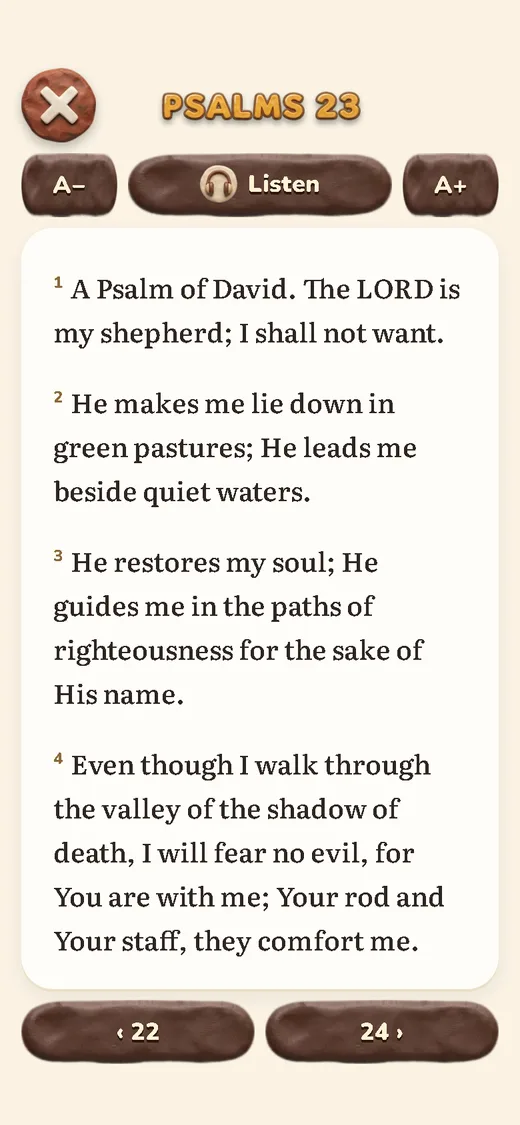 Psalm 23 in large print, ready to read or play.
Listen to the Bible on your phone
Yes, someone with tired eyes can listen to the whole Bible on a phone, and there are a few ways to set it up:
- Narration inside the app. Tap Listen in the app shown above and a player opens with the chapter read in a synthetic voice. There’s a speed button, a sleep timer, a 15-second rewind for the line he missed, and Read text to get back to the page. Audio needs Wi-Fi or a data connection.
- Speak Screen on iPhone. Go to Settings > Accessibility > Read & Speak (Spoken Content on older versions of iOS) and turn on Speak Screen. Swipe down with two fingers from the top of the screen and the iPhone reads everything on it, with controls to pause and change the speed (Apple, Speak Screen).
- Select to Speak on Android. It comes with the Android Accessibility Suite, so if your parent’s phone doesn’t list it under Settings > Accessibility, download the suite from Google Play. Google says some steps need Android 11 or higher. Once the shortcut’s on, a two-finger swipe up (or the Accessibility button) lets them tap any text and hear it read aloud (Google, Select to Speak).
 Headphones on and the cat asleep on the rug, Grandma lets the chapter play.
Eyesight trouble is mostly an over-50 story: the World Health Organization says most people with vision loss are past 50, and at least 2.2 billion people worldwide have a near or distance vision impairment (WHO). As for understanding what you hear, a 2022 meta-analysis of 46 studies and 4,687 participants of various ages found no reliable overall difference in comprehension between listening and reading; reading pulled ahead when readers could set their own pace (Clinton-Lisell, 2022).
For a listening plan with daily times and routines for the drive or for bedtime, see the full guide to the audio Bible.
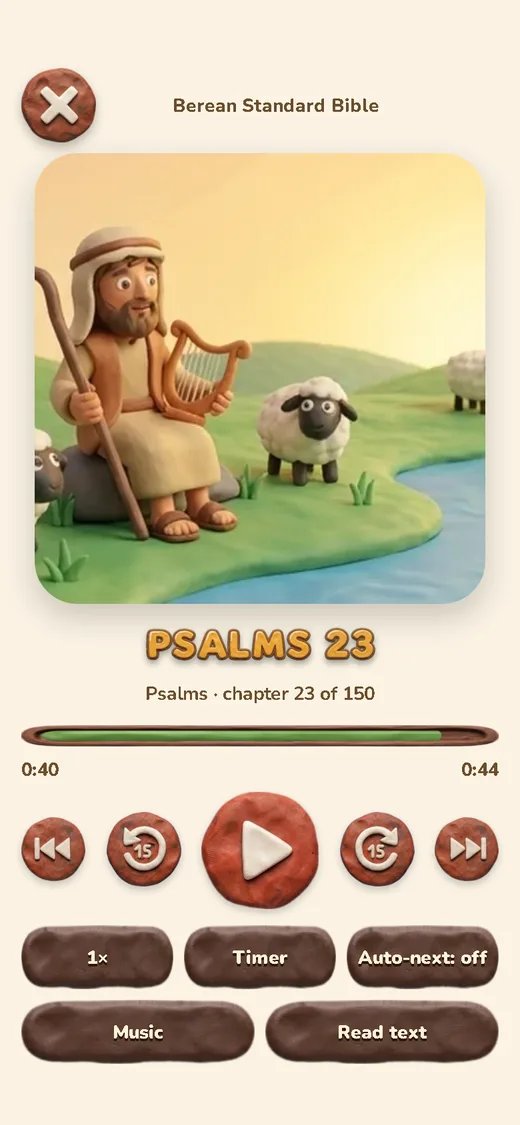 Missed a sentence? The 15-second rewind button replays it without restarting the chapter.
Contrast and dark mode
Apple pitches Dark Mode as “perfect for low-light environments” (Apple, brightness and color), which makes it a natural pick for reading in bed: the page goes black and the letters go light. Increase Contrast goes a step further and boosts the color contrast between text and background.
“Your word is a lamp to my feet and a light to my path.” (Psalm 119:105, Berean Standard Bible)
For Grandpa, the hands-off route is in Settings > Display & Brightness: choose Automatic and then “Sunset to Sunrise,” and the phone goes dark every evening without him touching it. To switch by hand, tap Dark on the same screen, or long-press the brightness slider in Control Center and tap Appearance. Night Shift is a separate setting that warms the colors after dark. Increase Contrast, Reduce Transparency (solid colors behind menus) and Invert Colors live under Accessibility > Display & Text Size (Apple, display colors).
On Android, it’s Settings > Display > Dark theme. Google notes some steps need Android 13 or later (Google, dark theme), and on a Samsung or Motorola the label may read a little differently.
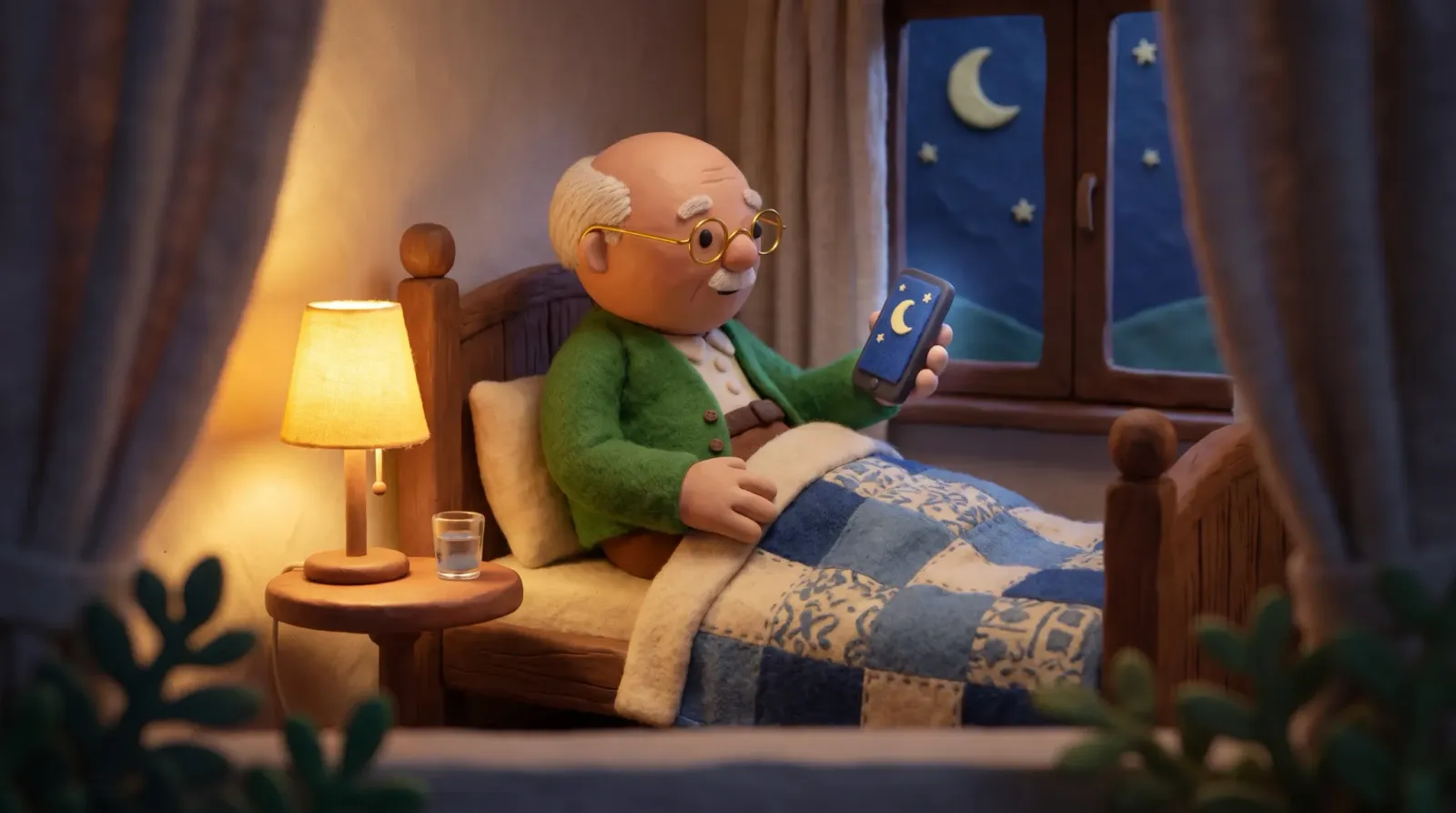 Lights low, screen dark: Grandpa Jack’s last chapter before bed.
If someone still squints with the text at its largest, it’s time to book an eye exam. The U.S. National Institute on Aging lists treating age-related sensory problems, such as vision or hearing loss, among the steps that may support cognitive health (NIA).
Gentle Bible games and memory: what’s known
So far, the research can’t show that puzzles protect memory, and the two studies below show where it stands.
One large puzzle study comes from the University of Exeter. Researchers asked 19,078 healthy volunteers ages 50 to 93 in the online PROTECT study how often they did number puzzles, then gave them tests of reasoning, attention and memory. On 10 of the 14 measures, the people who puzzled more than once a day had the highest average scores (Brooker and colleagues, 2019). That’s a single snapshot, though. It can’t tell whether puzzles sharpen memory or whether people with sharp memories enjoy puzzles more, and the authors call for more research before anyone treats puzzles as an intervention.
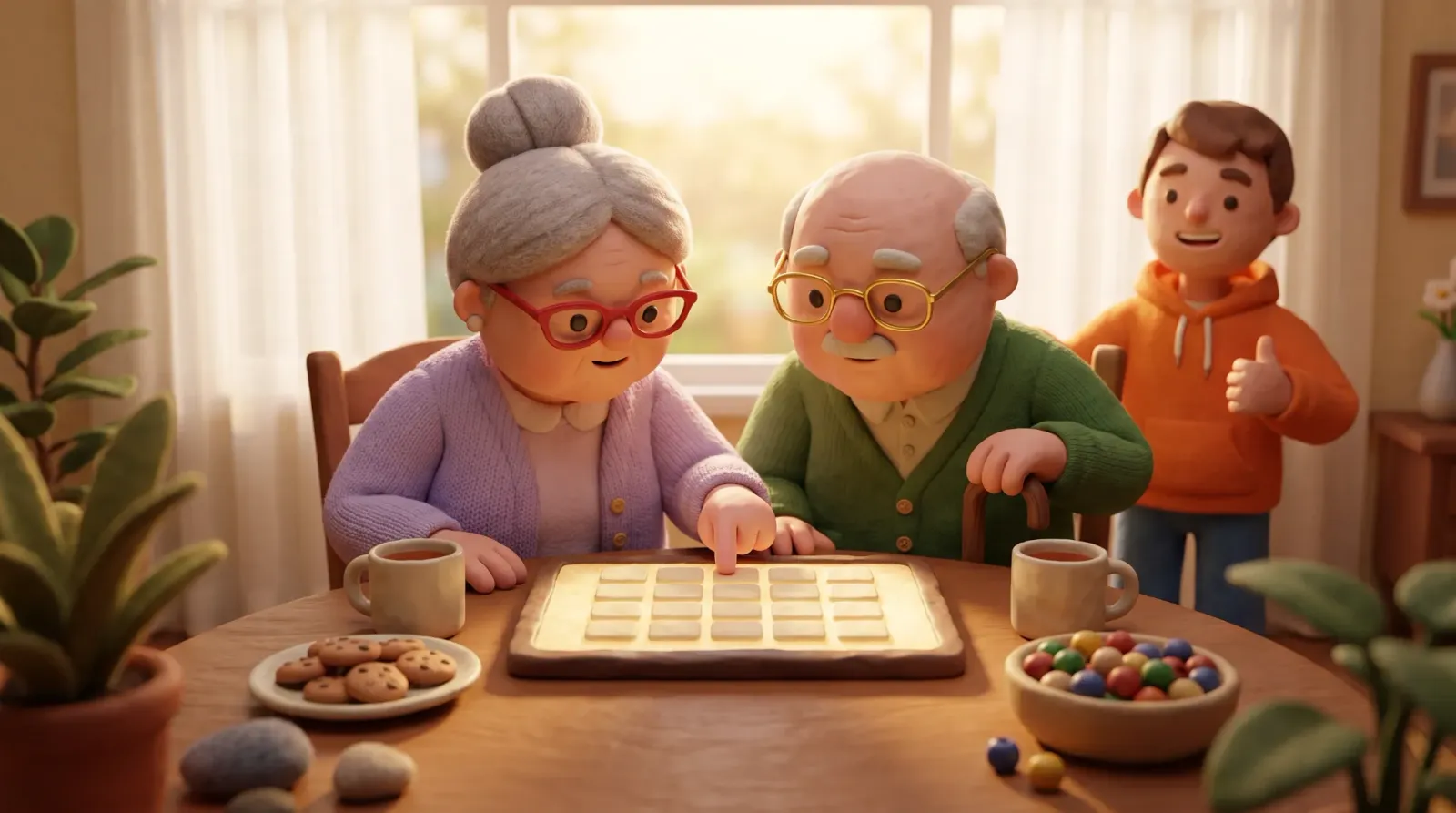 Every name Linda circles comes with a story she tells Jack over tea.
What about computer brain-training programs? A 2020 Cochrane review rounded up eight controlled trials, 1,183 healthy people 65 and older in all, who did standardized computer exercises for 12 weeks or more. It found low-quality evidence of a small boost right after training, of uncertain clinical importance, and no evidence that anything carried over a year later (Gates and colleagues, Cochrane, 2020).
A good fit is a game Grandpa can play at his own pace: no timer, a hint button, and words he already knows. In the Bible word search below, he’s hunting for Philip, Thomas, Simon, and Andrew. For more ideas, browse Bible games for families, and when he wants a new kind of puzzle, try Bible crossword puzzles.
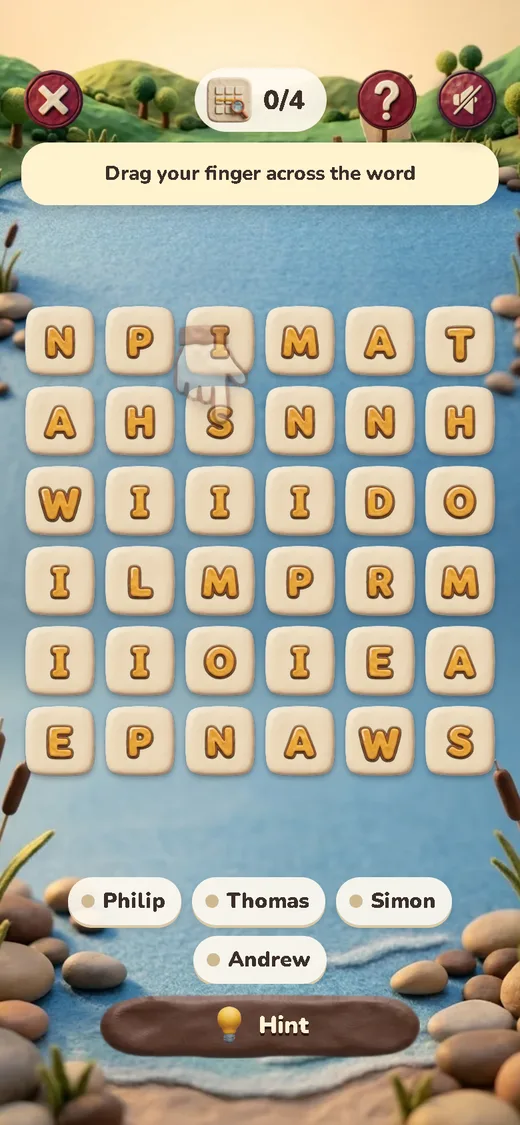 The grid has big letters, apostles’ names, and a Hint button at the bottom.
Bible verses to read aloud with older adults
For Grandma’s birthday card or a quiet moment after Sunday dinner, pick a short verse that speaks kindly about growing old and fits on one screen in large print:
“Do not discard me in my old age; do not forsake me when my strength fails.” (Psalm 71:9, Berean Standard Bible)
“In old age they will still bear fruit; healthy and green they will remain.” (Psalm 92:14, Berean Standard Bible)
“Even to your old age, I will be the same, and I will bear you up when you turn gray. I have made you, and I will carry you; I will sustain you and deliver you.” (Isaiah 46:4, Berean Standard Bible)
Try this on your next visit: let Grandpa choose the verse for the week, have one of the grandkids read it out, and ask him what it brings to mind. You might hear a story you’ve never heard before.
A daily routine of about 20 minutes
Here’s Linda’s Tuesday. Psalm 23 plays while the coffee brews (the narration runs under a minute), and she’s humming the first line by the time the toast pops. Word search waits until after lunch. At bedtime the dark theme’s already on, the sleep timer’s set, and a short psalm plays until she nods off.
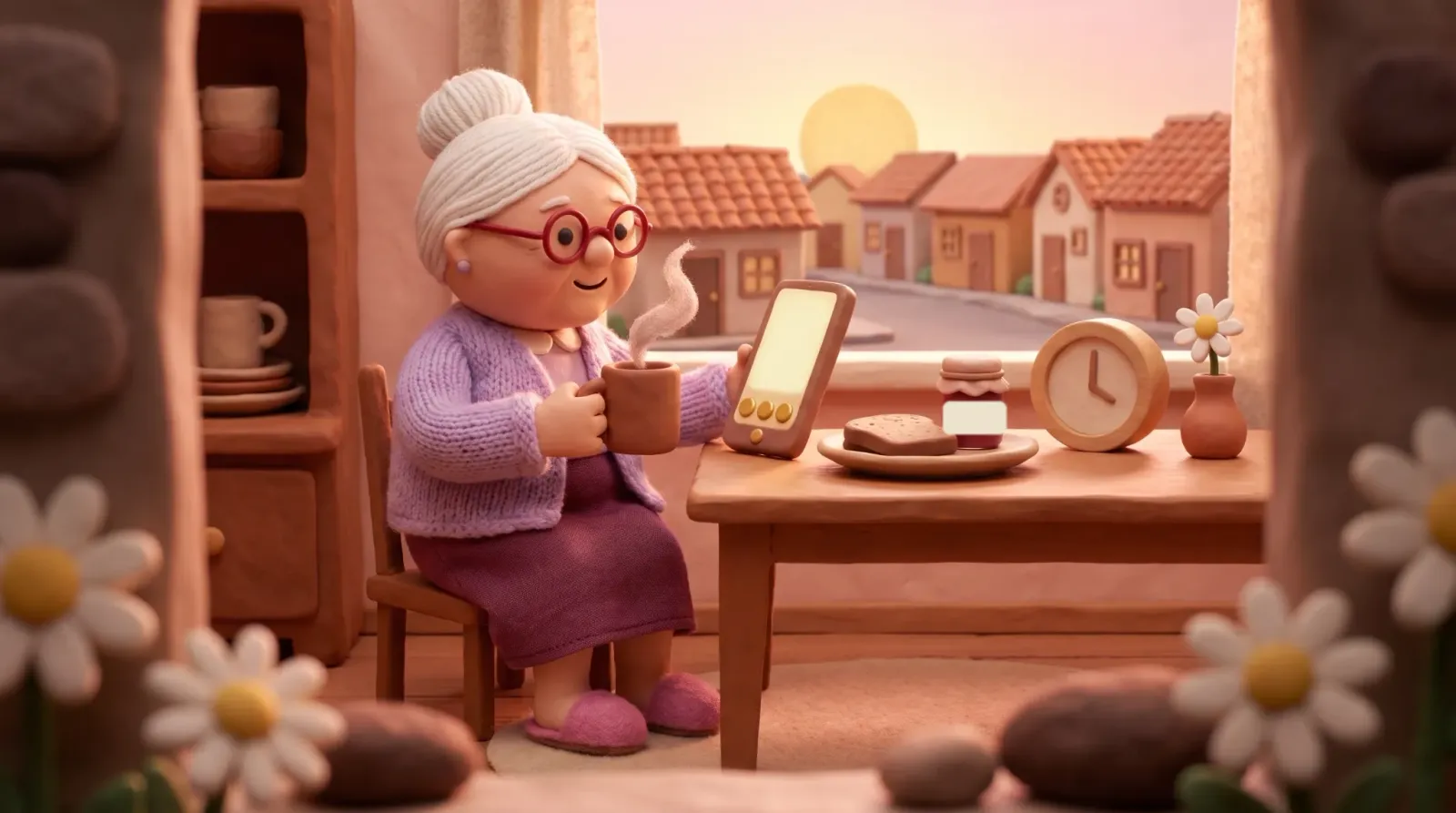 Coffee, bread and jam, and Psalm 23 on speaker.
Linda’s routine hangs on her morning coffee, something she already does every day. If your mom’s anchor is the evening news or her afternoon walk, shift the times in this chart:
| Moment | What to do | Time |
|---|---|---|
| After breakfast | Listen to one narrated chapter with the text open in large print | 5 to 10 min |
| Mid-afternoon | One gentle game (word search or crossword) | 5 to 10 min |
| Before bed | One short psalm in dark mode with the timer on | 3 to 5 min |
Psalms, Proverbs and the Gospels make an easy start, since they’re full of short passages Grandpa will know by the first line. If he misses a day, there’s no catching up to do: he opens the chapter where he stopped. And for something to chew on all week, pick one verse he can say at breakfast; how to memorize Bible verses has 5-minute techniques.
How to help an older person from far away
If your parents live in another state, you can set up almost everything over FaceTime or any video call.
- Have them prop the phone on a stand before you start, so both hands are free. If their phone can share its screen, turn that on; if not, ask them to tell you what they see.
- Text size comes first. Once it reads comfortably, move on to Bold Text (if it helps) and the dark theme, and save the Bible app for last. Talk them through each tap and let them do the tapping themselves.
- Open the Bible app together. If it offers a seniors version, choose that; otherwise, bump up the text with the app’s own buttons. Then play a chapter they already love.
- Make it a standing date, like the Sunday afternoon call you already have. Each of you plays the same chapter at the same time at home, then you talk about it on the phone.
- Leave the steps in writing, printed in large letters, or text them a short voice memo. Tape the printout near where the phone charges.
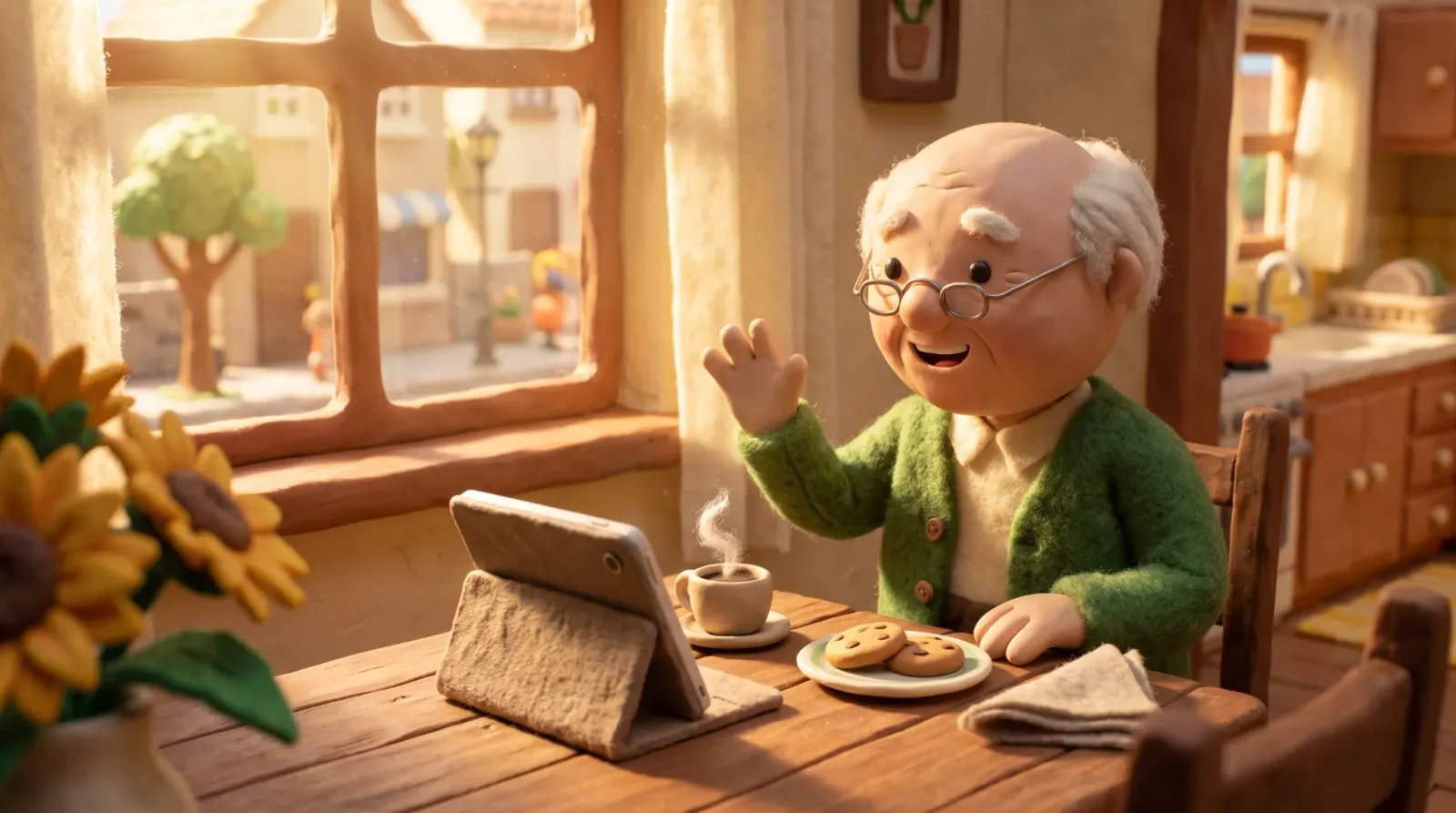 With the tablet on a stand, Grandpa Jack has both hands free to tap the screen while he talks with Sarah.
How this guide was made. Written by the site’s editorial team and reviewed in October 2026. The verses are copied from the Berean Standard Bible. We checked each iPhone and Android menu path against the Apple and Google support pages listed below. What we say about vision, memory, puzzles and listening comprehension comes from the WHO, the National Institute on Aging and the three studies in Sources.
Sources
- Apple. Support and iPhone User Guide: font size, text, bold, and Control Center, brightness and Dark Mode, display colors, and Speak Screen.
- Google. Android Accessibility Help: text and display, Select to Speak, and dark theme.
- World Health Organization. Vision impairment and blindness.
- National Institute on Aging. Cognitive health and older adults.
- Clinton-Lisell, V. (2022). Listening Ears or Reading Eyes: A Meta-Analysis of Reading and Listening Comprehension Comparisons. Review of Educational Research.
- Brooker, H., et al. (2019). The relationship between the frequency of number-puzzle use and baseline cognitive function in a large online sample of adults aged 50 and over. International Journal of Geriatric Psychiatry.
- Gates, N. J., et al. (2020). Computerised cognitive training for 12 or more weeks for maintaining cognitive function in cognitively healthy people in late life. Cochrane Database of Systematic Reviews.
Frequently asked questions
Bible for seniors: print or an app?
Start with how she reads today. Christian bookstores carry large print and giant print editions, which suit anyone who likes to underline and hold a real book. If your mom already texts and FaceTimes, an app can enlarge the text with one tap and read the chapter aloud. Before you decide, check that the text grows with one tap, the buttons are big, the audio can pause and rewind, and the app reopens to the chapter where she stopped. Psalm 23 makes a good test run.
How do I make Bible text bigger on my phone?
Go to the phone's settings first. On iPhone, Larger Text is under Settings > Accessibility > Display & Text Size; on Android, search Settings for "Font size." Many Bible apps also put a text size button on the reading screen, and it enlarges only the Bible text on top of what you set on the phone.
Does the large text setting work in every app?
Not always. If the Bible text still looks small after you change the phone setting, the app probably isn't following it. Google warns that the font size setting doesn't reach some apps, and Apple says it applies to apps that support Dynamic Type, such as Mail, Contacts, Calendar, Phone, and Notes. In that case, use the text size button inside the Bible app.
Can an older person with tired eyes just listen to the Bible?
Absolutely. Let the narration play and keep the large text open for the odd word they want to check. Comprehension holds up, too: Clinton-Lisell's 2022 meta-analysis of 46 studies, with 4,687 participants of various ages, found no reliable overall gap between listening and reading.
Do Bible games help an older adult's memory?
There's no proof they do. Researchers at the University of Exeter found that among 19,078 adults ages 50 to 93, people who did number puzzles often had higher reasoning and memory scores, yet everyone was measured only once, so cause and effect is still an open question. Play them for a calm half hour and something to talk about with the grandkids.
How can I help my parent use the phone from far away?
Set up a FaceTime call and ask them to lean the phone against a mug or a stand so both hands are free. Do text size first, then dark mode and audio. Before you hang up, pick a short chapter and a weekly time when you'll both play it, each at home, and talk about it afterward.
Keep reading
-
Audio Bible: a 1-year plan and daily routines
How long the audio Bible takes, what research says about listening, routines for commutes, bedtime, seniors and kids, and a 1-year plan with daily times. Read article -
Bible characters: who they were and where
The main Bible characters in story order, from Adam to Paul, with the book and chapter for each, what they did, what they teach and a section on the women. Read article -

Fruit of the Spirit for kids: a family guide
Love, joy, peace and the rest of Galatians 5:22-23 in words kids understand, with family moments, games for busy evenings and a four-week verse plan. Read article